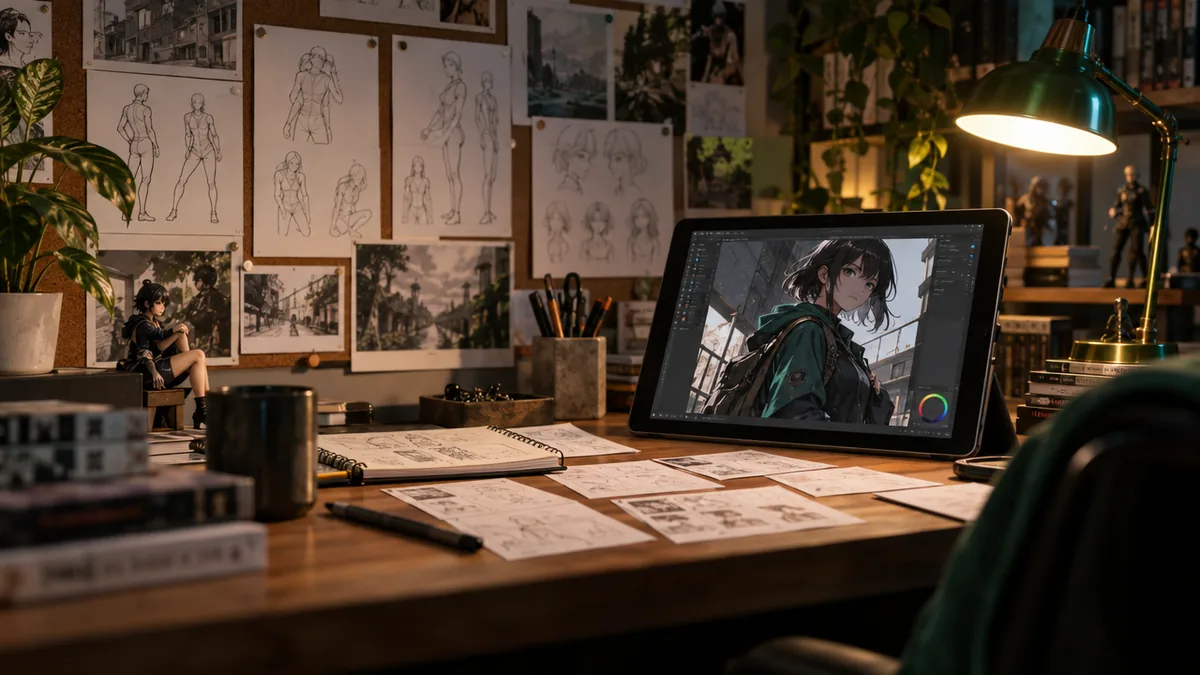
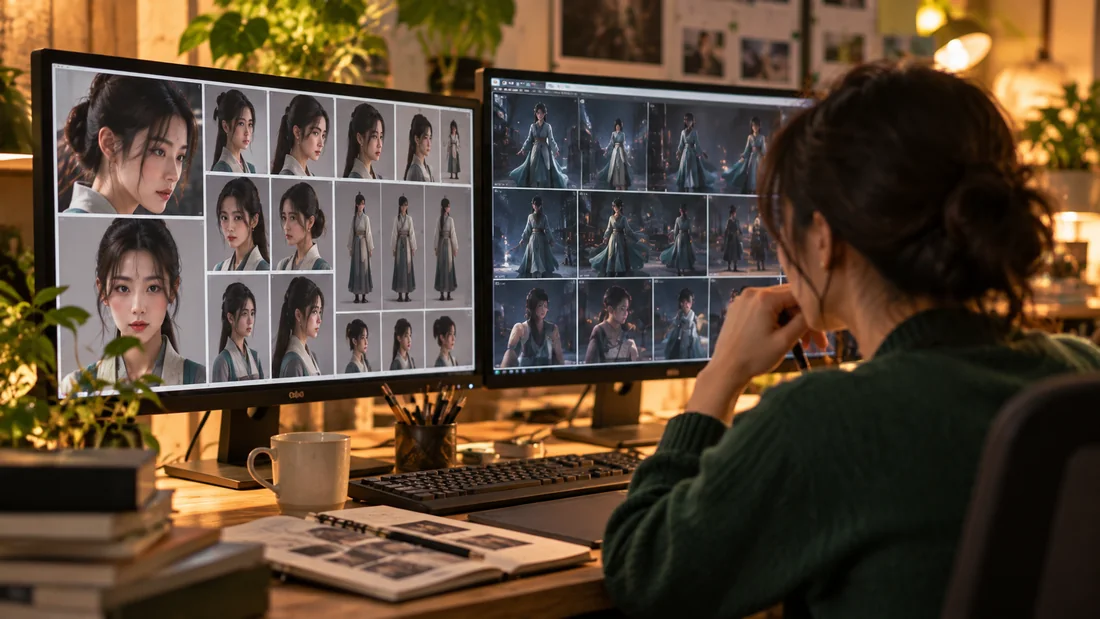
If you've ever tried creating a series with the same character, you've probably run into this. You generate 30 images, and the face is definitely the same person. But when you line them up, the distance, camera height, and standing pose are all identical. Medium shot, eye level, facing forward, dead center. It feels like looking at the exact same picture 30 times.
Most people blame the prompt and try tweaking their text, but the more common culprit is the reference image. Reference images don't just copy the face; they pull in the pose and camera angle too. That's why every new image inherits the same composition. No amount of prompt tweaking will fix this—you have to solve it by planning your shots before you generate.
Step 1: Start with a shot list, one line per image
Before you hit generate, make a table. To start, you only need four things: distance (wide, medium, close-up), camera height (low, eye level, high), pose, and expression. For a 12-shot series, start like this:
| # | Distance | Camera | Pose | Expression |
|---|---|---|---|---|
| 1 | Wide | High | Walking away | Neutral |
| 2 | Medium | Eye Level | Sitting in profile | Smile |
| 3 | Close-up | Low | Looking up | Surprised |
| 4 | Wide | Eye Level | Leaning against a window | Calm |
With this single table, you don't have to wonder 'How should I generate it this time?'—just create the shots you've already planned in order.
Step 2: Adjacent cuts must have at least two differences
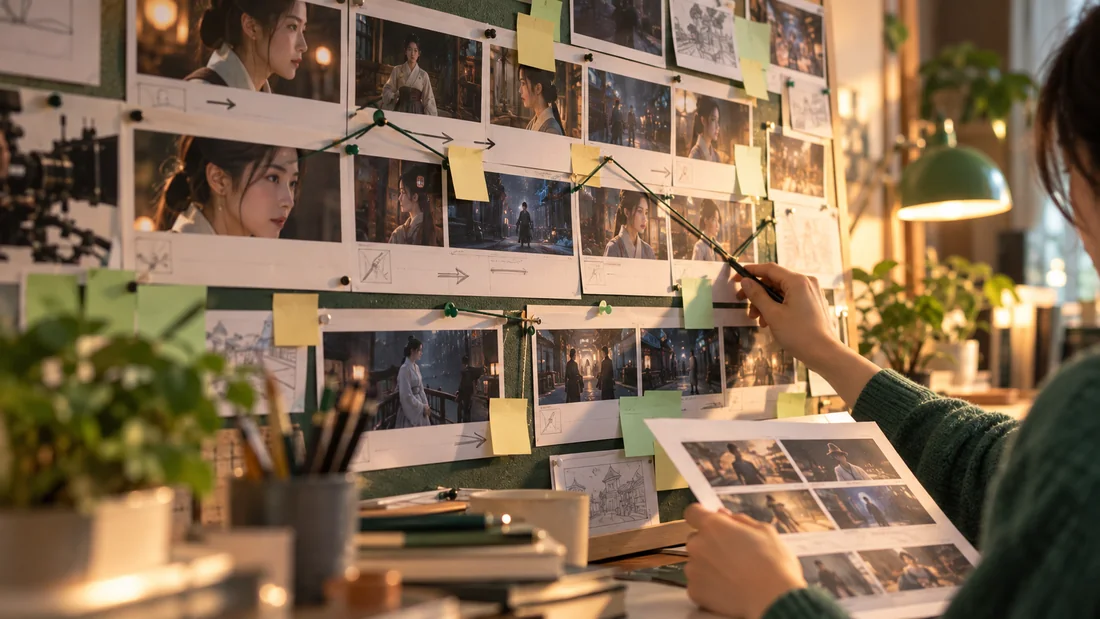
If cuts 4 and 5 have the same distance and camera height, it feels like looking at the same picture twice. Change at least two things between adjacent cuts. Just changing the distance and pose together will shift your series from feeling 'copy-pasted' to 'edited'.
The habit of changing two things between adjacent cuts is what turns a repetitive-looking series into a well-edited one.
Step 3: Keep a record of the combinations you've already used
This is the step people skip most often. Every time you pick a final image, jot down its combination (e.g., Medium, Eye-level, Frontal, Smile). Before generating the next batch, exclude all the combinations in your record. A spreadsheet or notepad is all you need. Without a record, you'll just keep reinventing the same three or four compositions. The longer a series goes on, the more valuable this record becomes.
Step 4: Completely avoid poses that mess up hands
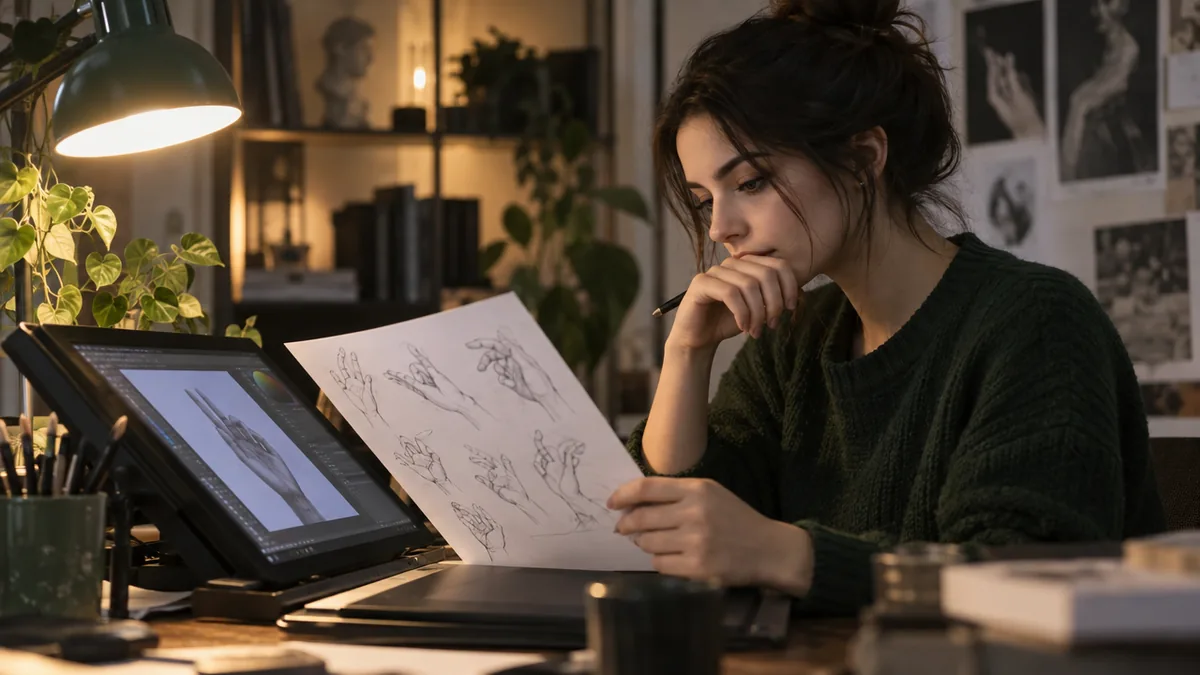
Interlocked fingers, holding a small object with both hands, crossed wrists, touching the face. These setups cause the model to repeatedly mess up the hands. Rather than regenerating a difficult pose ten times, it's much more reliable to switch to a simpler pose. I've outlined exactly which poses cause trouble in 10 Poses AI Image Models Frequently Mess Up.
If you want to use this method as a tool
If doing this manually every time is a hassle, there's Shot Ledger, which packages this exact method into an offline tool and a 16-page practical guide. It runs as a single HTML file, so it requires no installation, sign-ups, or API keys. It suggests three candidate shots with different distances, poses, and expressions, records the combinations you've already used, and automatically excludes them next time.
This tool does not generate images. It's a planning and checking assistant meant to be used alongside any image generation tool. You can easily follow the four steps above without the tool.
If you just need setups that won't mess up hands, there's also a free sample on Gumroad: Hand-safe staging free sample
 Using AI
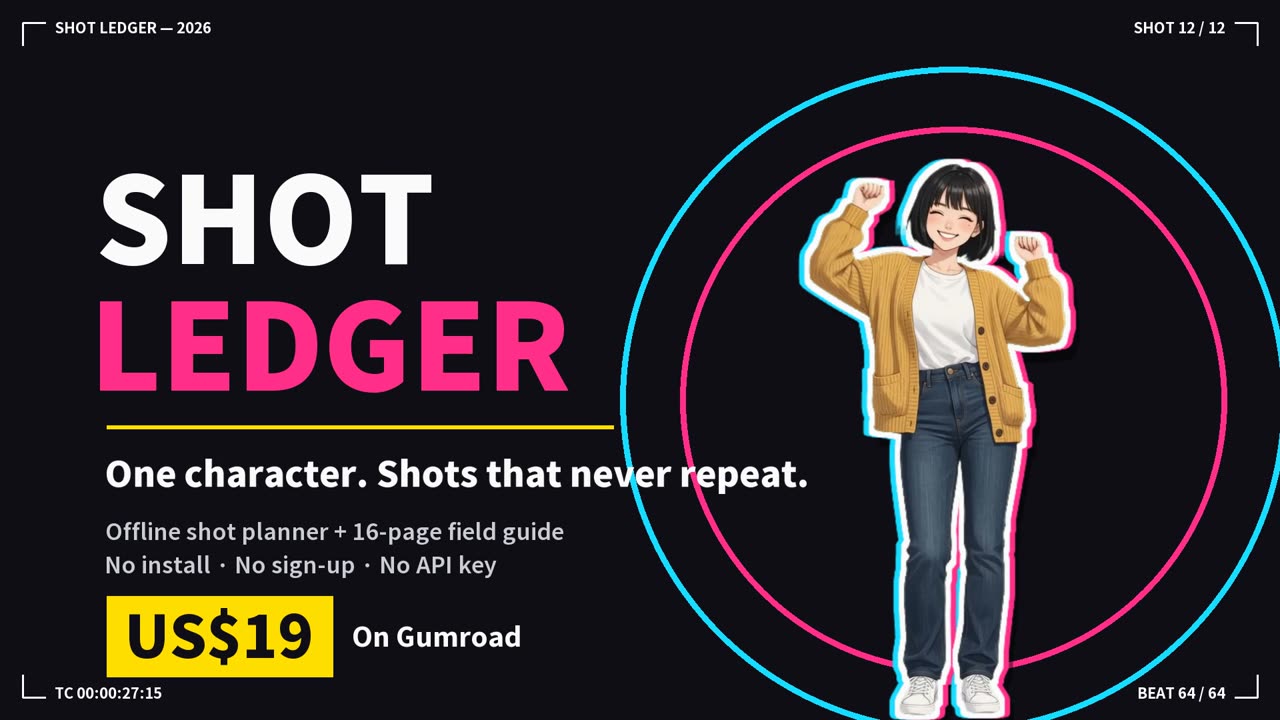 Shot LedgerSame AI character, a fresh shot every time — offline shot planner + 16-page guide